
A familiar room becomes a listening test
Suzy Says is a first-person rule-survival horror game built around a deceptively familiar activity: listening to instructions and deciding whether to follow them. The setup begins when you return home and discover an interactive DVD alongside colorful floor mats. Those objects suggest an ordinary living-room activity, but the horror framing changes how you read every instruction. Rather than treating the room as a playground where more movement is always better, approach it as a place where understanding the current rule matters before acting. This guide focuses on preparation and careful observation, not a promised route through every encounter.
The useful comparison is Simon Says, where an instruction is not automatically permission to perform an action. That comparison explains the central idea without establishing the exact wording, order or timing of every command in this hosted version. Listen to the current cue and use what the game actually presents. Do not substitute a remembered instruction from a video for the instruction in front of you. A recording can show a different attempt or a different version, and a confident guess is still a guess when the rule has changed.
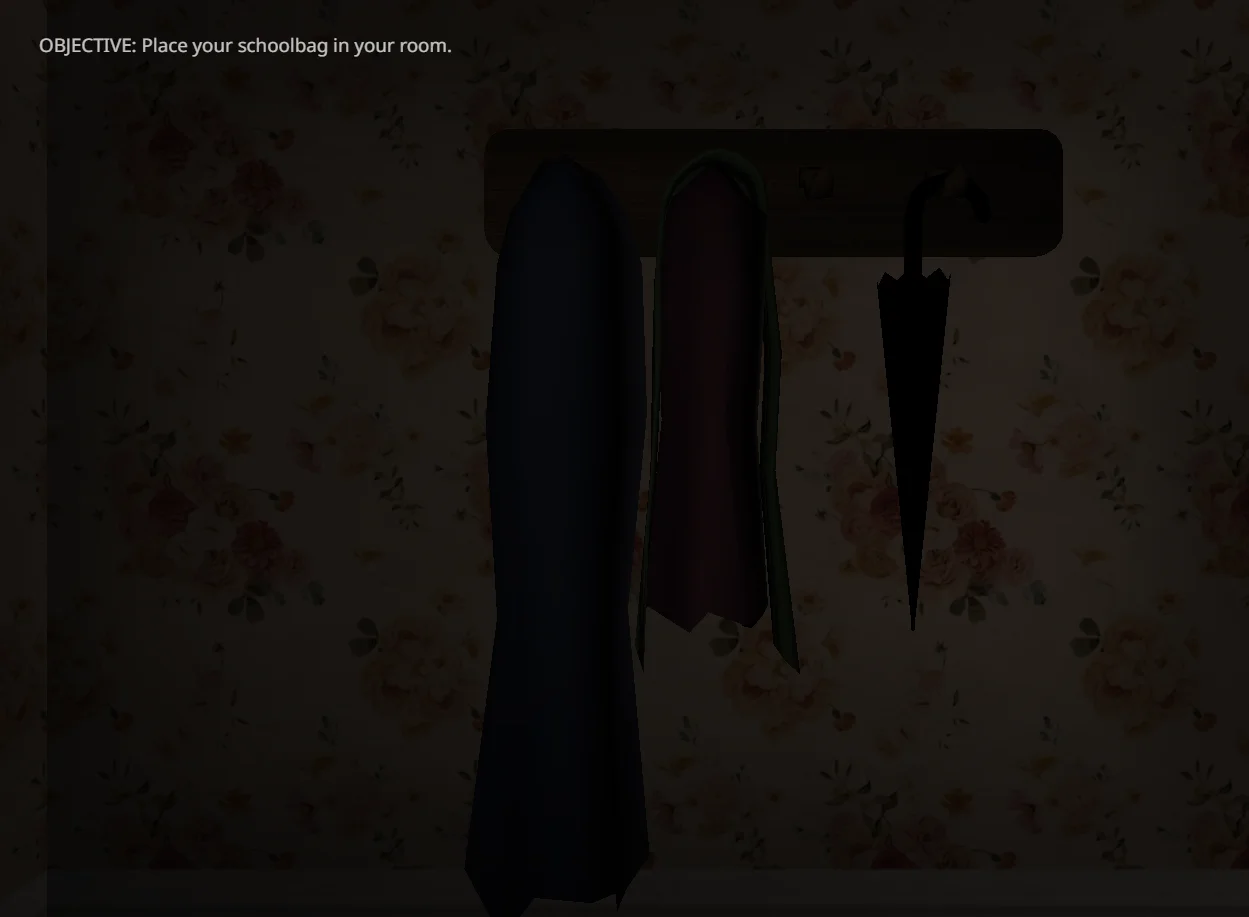
Set up a deliberate first session
Give your first attempt a simple goal: understand the relationship between the instruction and your response. You do not need to prove that you can finish immediately. Before starting, check that you have enough time to let the game load and that your keyboard is within comfortable reach. Keep the page available so you can review the controls without confusing a page interaction with an in-game command. If you are distracted, tired or uncomfortable with the imagery, leaving the session is a valid choice rather than a failed challenge.
Suzy Says contains flashing imagery, jump scares and unsettling themes. Read that warning before pressing Play, not after a startling scene appears. The warning is not a guarantee that every intense moment can be anticipated, skipped or adjusted. No specific accessibility settings are confirmed here. Choose a comfortable environment and stop if the experience feels unsuitable. You can read this guide without launching the game, and the optional videos are separate from the player. Watching footage can also expose you to the same themes and to spoilers.
Understand the controls before the pressure rises
The supplied keyboard controls are WASD for movement, Space to jump and C to crouch. Knowing the mapping reduces the chance of confusing an input mistake with a misunderstood rule. When the game provides a suitable opportunity, establish which key produces which action before trying to interpret a demanding instruction. This is preparation advice, not a claim that the opening contains a safe practice area. Follow any instructions already active on screen instead of assuming that movement is harmless while you are learning the layout.
Keep the difference between intention and input clear. You may understand that you need to crouch but press the wrong key; you may also press the correct key in response to an instruction that should not have been followed. Those are different problems and need different corrections. After a mistake, ask yourself what you heard, what you decided and what you actually pressed. That short sequence is more useful than simply deciding to react faster next time. Speed cannot repair an incorrect reading of the rule.
Read the command, then choose the response
A practical approach to Suzy Says is to separate each decision into observation, interpretation and action. First notice the instruction as completely as you can. Next decide what that instruction permits under the rule currently presented. Only then commit to the movement. This is a general method for a rule-based game, not a verified timing exploit. There may be pressure to respond, but inventing an unseen grace period or assuming that repeated inputs are accepted would be misleading. Let the current session establish its own feedback.
Colorful floor mats are part of the premise, but their presence does not justify publishing an unverified color sequence. Orient yourself using the scene you can actually see. If an instruction refers to something in the room, identify that thing before moving toward it. Avoid treating a screenshot as a complete map: a still image cannot establish the full room, the active command or the next event. The most reliable reference during an attempt is the live game, not a pattern inferred from one isolated frame.
Use a small observation log instead of invented solutions
If you want to improve across attempts, write down only what you observed. A useful note contains the instruction, your response and the visible result. Separate those facts from your explanation of why the result occurred. For example, recording that you pressed C is an observation; claiming that crouching always solves a particular situation is a broader conclusion that needs evidence. This distinction keeps a single confusing attempt from becoming a false rule that you carry into every later session.
Change one aspect of your approach at a time when the game allows another attempt. You might concentrate on listening more carefully rather than changing both your position and your input habits simultaneously. This does not mean a repeated situation will necessarily behave identically, and it does not promise that every failure is reversible. It simply makes your own observations easier to interpret. Avoid restarting just to chase a rumored secret: the hosted version has not been verified against every feature associated with the original full release.
Plan for the large browser download
This host uses a Construct 3 web adaptation and loads approximately 256 MB of game data. The first launch can therefore take a while, particularly on a slower connection or a device with limited resources. Pressing Play opens the embedded game; it does not mean the entire download has already finished. Consider the data requirement before launching on a metered connection. A page that appears quickly and a game that finishes loading quickly are different things, because the player requests its own resources after activation.
If the player seems slow, allow the initial loading process time rather than repeatedly refreshing. Reloading can interrupt the session and may require resources to be requested again. If loading never progresses, review your connection and any browser restrictions that may block embedded content. There is no confirmed universal loading time, and this page does not provide a separate top-level launch link as a workaround. A persistent blank frame should be treated as an unresolved loading problem, not evidence that you reached a hidden ending.
Keep mobile expectations realistic
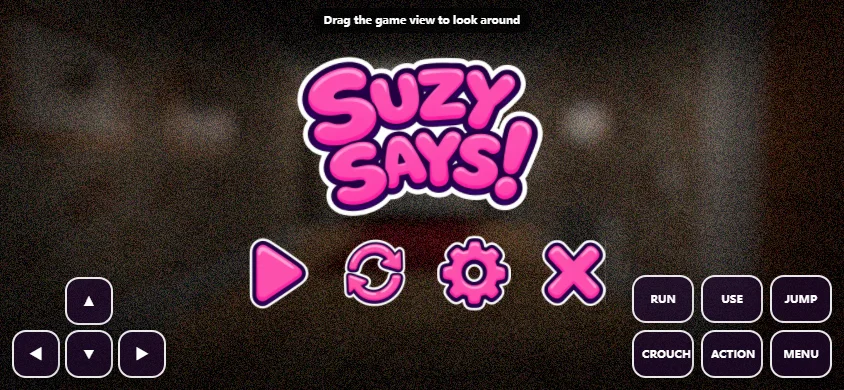
Touch adaptation exists in the hosted game, but real-phone play has not been verified for this page. That matters because showing a player on a small screen is not the same as confirming that every action can be performed comfortably. The surrounding guide adapts to narrow screens, while the game stays inside a sixteen-to-nine frame. Neither choice proves that touch controls, orientation changes, browser memory limits or a complete session work correctly on your particular device. Treat mobile access as an unverified option rather than a supported completion route.
A keyboard-equipped device gives you a direct match to the listed WASD, Space and C controls, although it still does not guarantee performance or completion. On a phone, avoid assuming that a missing or obscured control is an intentional puzzle. If the controls do not let you carry out an instruction reliably, stop and reassess the device rather than inventing a gameplay explanation. This guide does not claim that installing the website creates a native game or changes the hosted build's compatibility.
Watch footage without turning it into a promise
Two optional videos are supplied below for readers who want additional context. Open them only if you are comfortable seeing material beyond your current attempt. Footage can help you recognize the presentation and compare how someone responds to instructions, but it is not proof that the embedded adaptation contains the same menus, modes or conclusions. Watch for what is directly visible rather than assuming the recording documents every possible route. The videos are reference material, not a prerequisite for starting the game.
The original full release is described as including endless play and hidden endings, but those features have not been confirmed in this host. For that reason, this page does not advertise a guaranteed full version, a complete ending collection or a tested walkthrough. If your goal is simply to experience the premise, begin with the instructions the embedded game provides. If your goal depends on a specific mode, verify that mode in the loaded game before investing time in a strategy built around it.
Make the checklist work for you
The preparation checklist above is a small companion tool for this page, not part of Suzy Says itself. Use it to confirm that you understand the content warning, download size, keyboard controls and limits of the available information. Its progress count reflects only the boxes you select. Reset clears those selections without restarting the embedded game. The checklist does not communicate with the game, grant rewards, change difficulty or preserve your place after a refresh. Keeping those boundaries explicit prevents a helpful page feature from being mistaken for a save system.
When you finish a session, keep the lesson narrow and practical. Perhaps you need to distinguish listening from acting, learn the crouch key more comfortably or allow more time for the initial download. Those are useful next steps even without a completed run. The aim of this guide is to make the first attempt more understandable while respecting what remains unverified. Return to the current instruction, take breaks when needed and judge progress by what you actually learned rather than by an ending this page cannot promise.
 Suzy Says
 Nightmare Neighborhood
 Best Friends for Dinner
 You Are Hamster
 Odio el Chocolate
 Aetheria Online
 RWBY Rise of the White Fang
 Helping Your Boyfriend
 Cobb Can Move
 Gavril
 Killer Chat
 Mind The Gap
 The False Sun
 Survive Min
 Dawn Chorus
 How to date a Sleep Paralysis Demon
 Jackpot Crash Course
 TADC Dating Sim
 Blood Money 2
 Home Is Where He Is
 Interact With Me
 When the Clock Stops
 CreepyDates
 Trees Hate You
 Freak Circus
 Kingdom of Marionettes
 Temple of the Jackal
 Uncanny Cat Golf
 Frankie's Fun House
 Death Spiral
 The Coffin of Andy and Leyley
 Dracula Drop
 The Choicer Voicer
 Over Dose
 LoveManiac: Scarlet Lust