Download Hub

Download COBB CAN MOVE Or Start Online

This page gives you two clear routes: launch COBB CAN MOVE in the browser for the fastest start, or download the Windows package if you want a local desktop copy. Pick the option that matches how you want to play.

Package Summary

File name: COBB-CAN-MOVE-v1.5-win.zip

Download link: /COBB-CAN-MOVE-v1.5-win.zip

Best for players who want the Windows zip ready to save, extract, and open from a desktop folder.

Play Online

Instant browser start

Choose this option if you want to open COBB CAN MOVE immediately without downloading anything. The homepage keeps the iframe closed until you press Play, which reduces the initial load while still giving you fullscreen support.

  • No installation required
  • Best for quick testing and sharing links
  • Same dark layout and FAQ flow as the homepage
Start Now

Windows Version

Desktop zip package

Choose the Windows package if you want the downloadable archive for desktop play. This route is useful for desktop-first players or anyone who wants a packaged copy alongside the browser build.

  • Good for players who prefer keeping a local copy
  • Easy to save and extract on Windows
  • Useful if you want a desktop-first way to start the game

Download Screenshots

See COBB CAN MOVE before you download

View More On Homepage
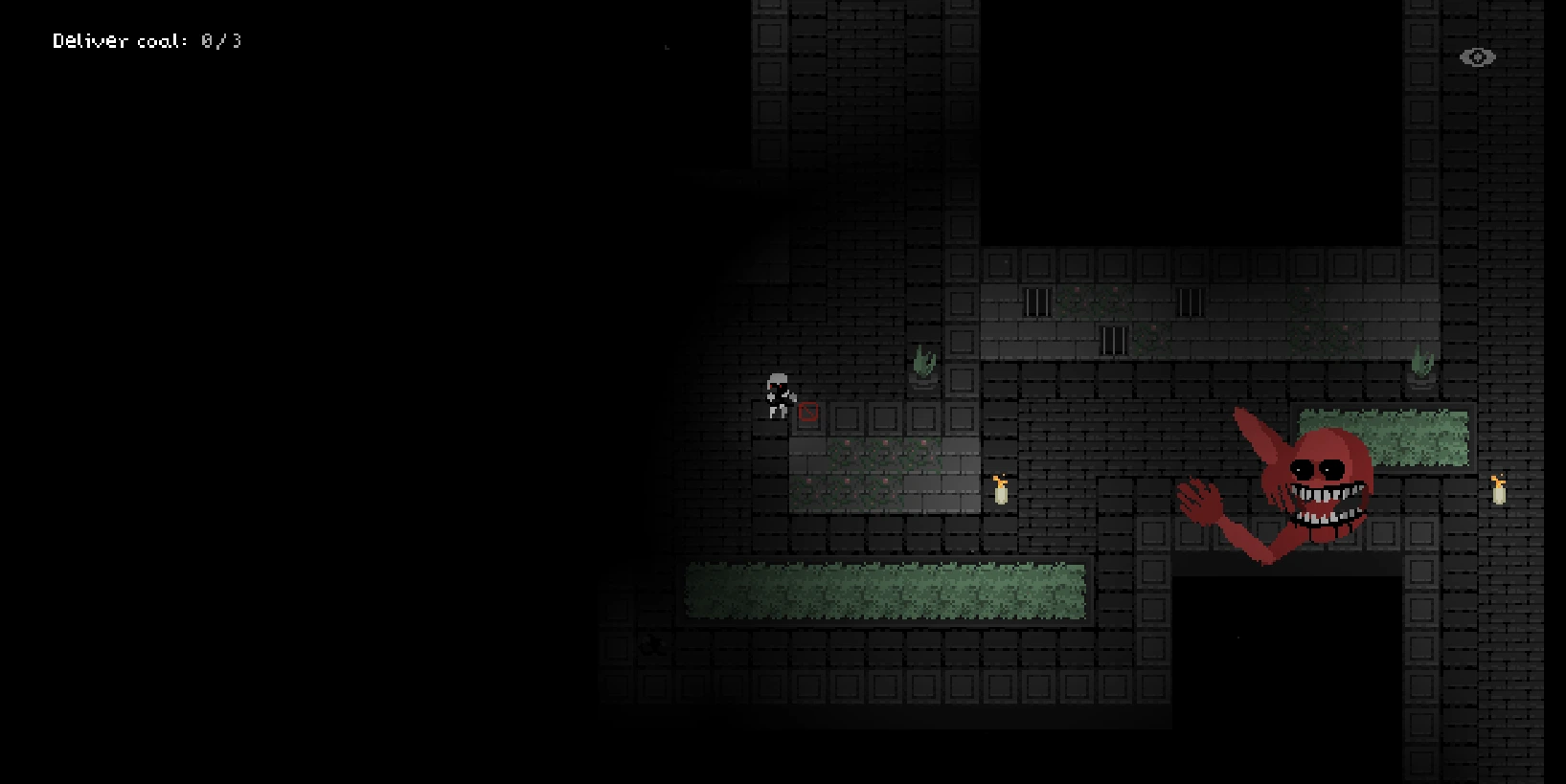
COBB CAN MOVE dark room screenshot for the Windows download page

Rule pressure starts immediately

The first rooms already show how quickly Cobb can turn a simple path into a dangerous one.

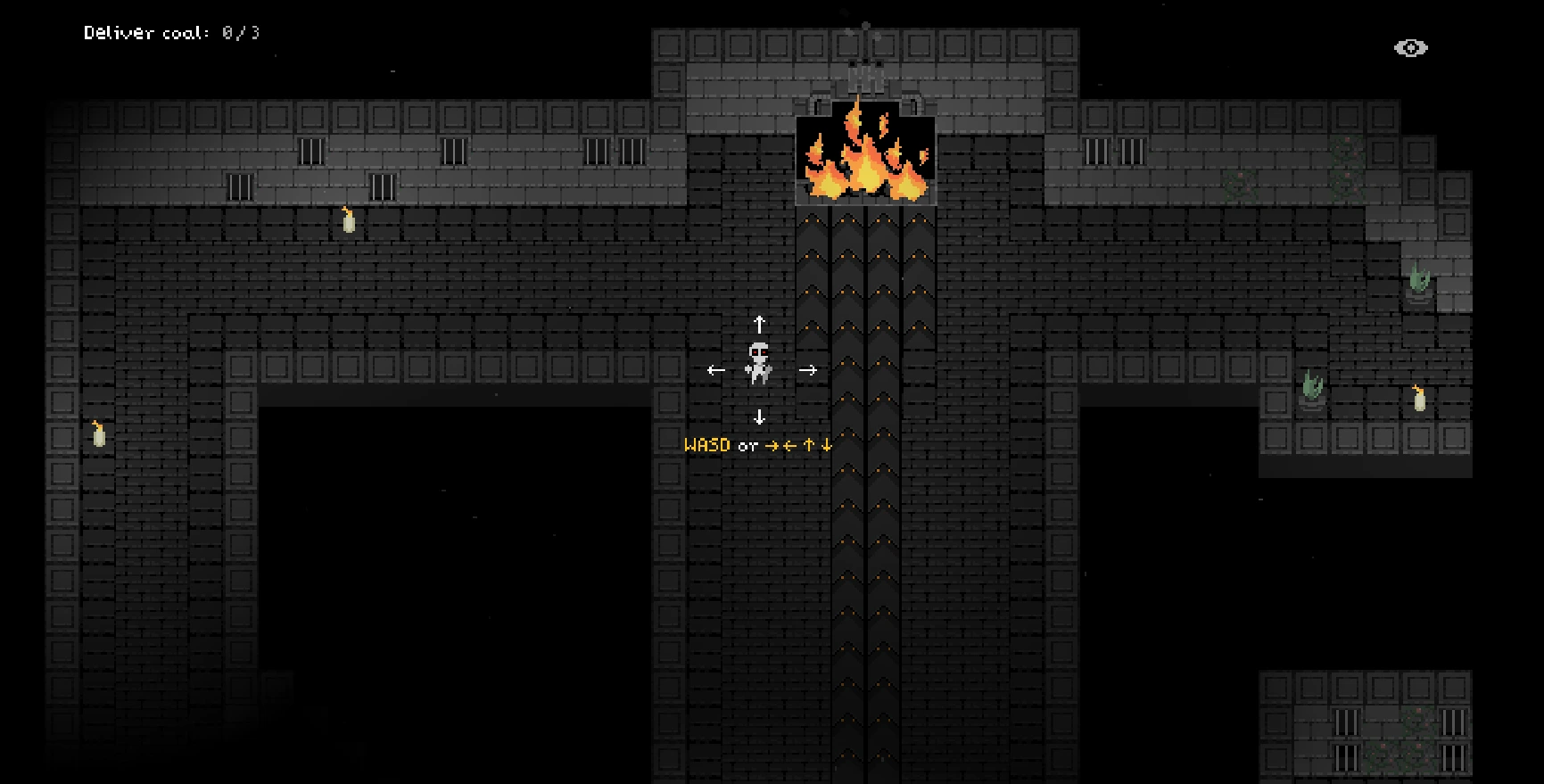
COBB CAN MOVE furnace room screenshot with dark lighting

Rooms stay tense and narrow

Windows players who want a desktop-first setup can use the download while keeping the same horror atmosphere.

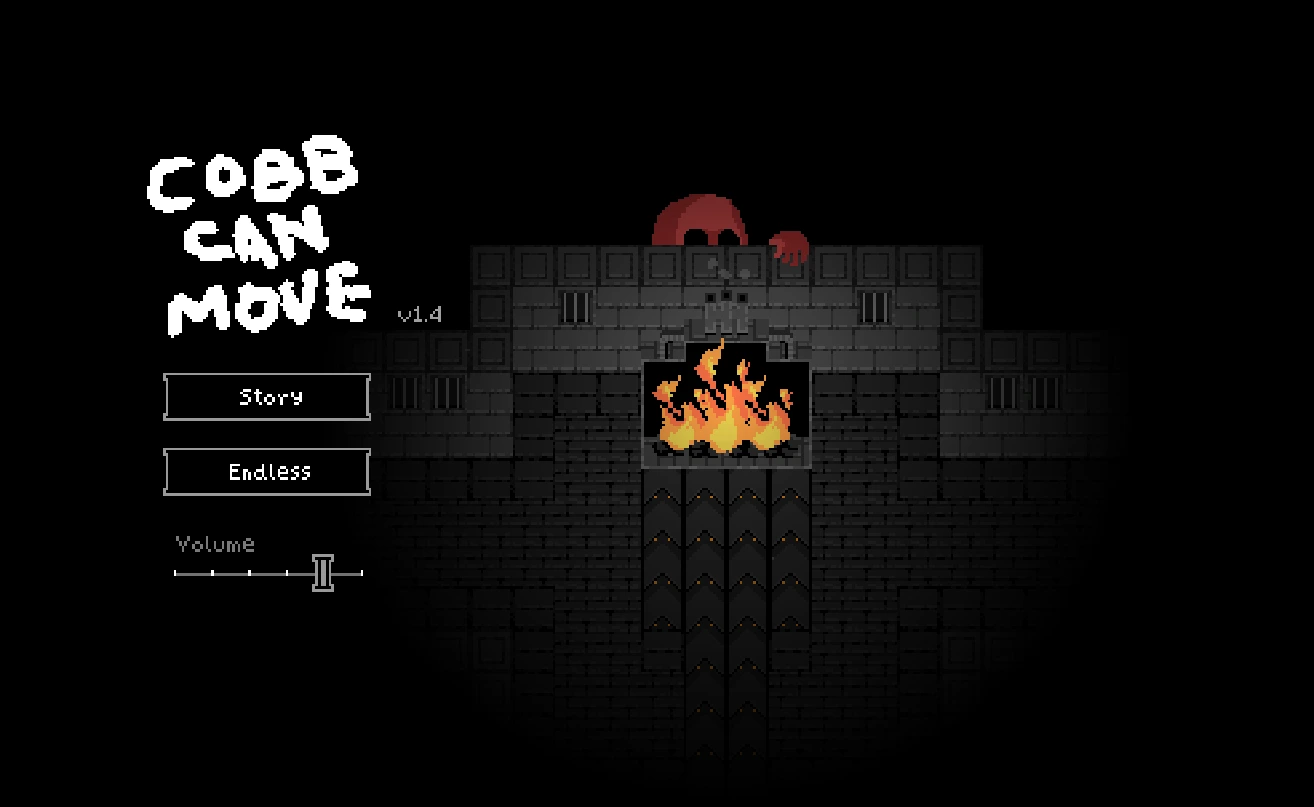
COBB CAN MOVE screenshot with Cobb near the furnace area

Cobb controls the pace

The download option fits players who want to take the game offline and return to it later.

COBB CAN MOVE gameplay screen showing level rules

Every warning changes the plan

The strongest part of COBB CAN MOVE is how each rule update changes the meaning of the room.

Setup Notes

1. Download COBB-CAN-MOVE-v1.5-win.zip.

2. Extract the archive into a local folder on Windows.

3. Launch the included executable or packaged files from the extracted directory.

4. If you only want the fastest route, skip the zip and return to the browser play section on the homepage.

Download Notes

Choose the download if you want COBB CAN MOVE ready on your own Windows device.

The browser version is still the fastest option if you only want to test one quick run.

The download page is here to make the choice simple: start online now or save the Windows zip and play from your desktop later.

Sponsored